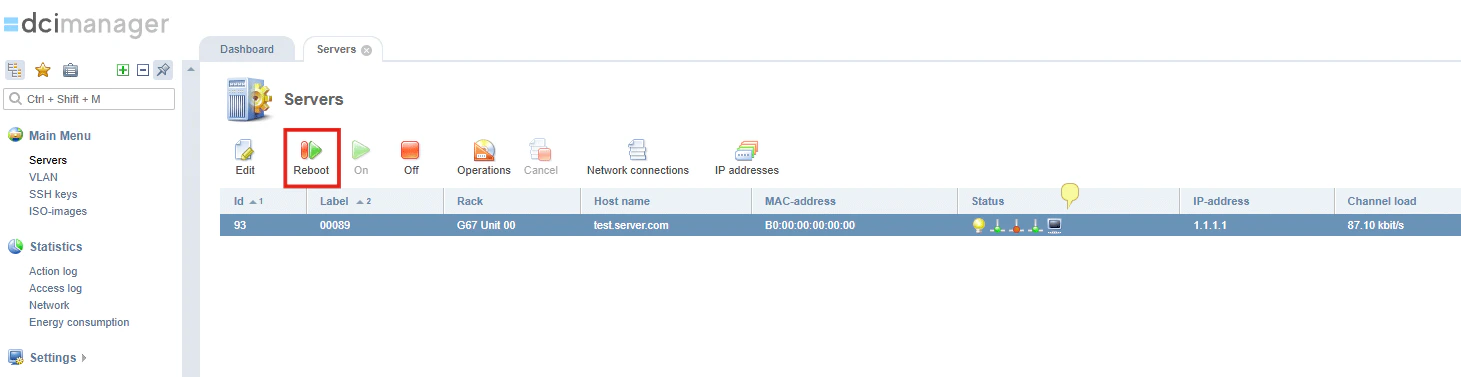
You can reboot your dedicated server from two interfaces: the Control Panel and DCImanager.Documentation Index
Fetch the complete documentation index at: https://gcore-doc-915.mintlify.app/llms.txt
Use this file to discover all available pages before exploring further.
Via the Control Panel
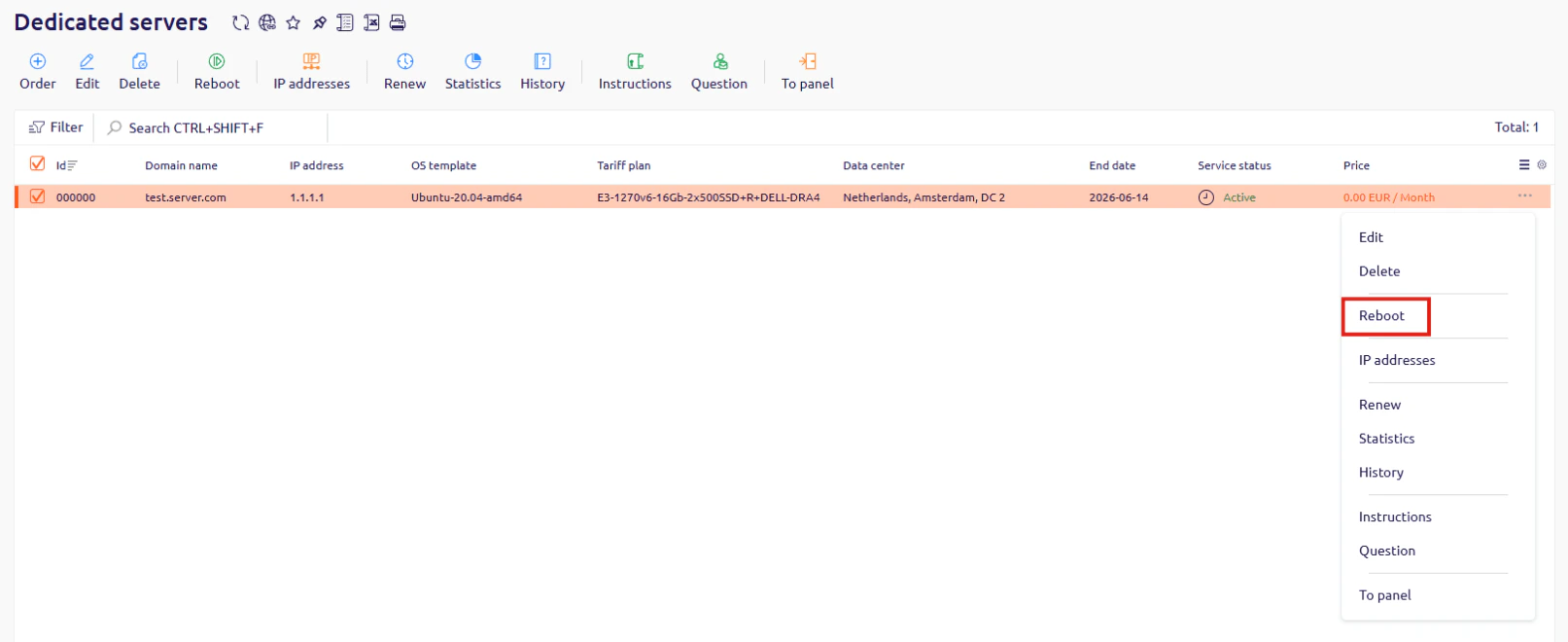
- In the Control Panel, go to Dedicated servers.
- Find the server you want to reboot, click … at the end of its row, and select Reboot.
Via DCImanager
- In DCImanager, go to Servers.
- Select the server you want to reboot.
- Click Reboot in the toolbar.